Edit or Delete AI Companion Memories: A Practical Guide
By the SoulChat Team · 2026-11-26
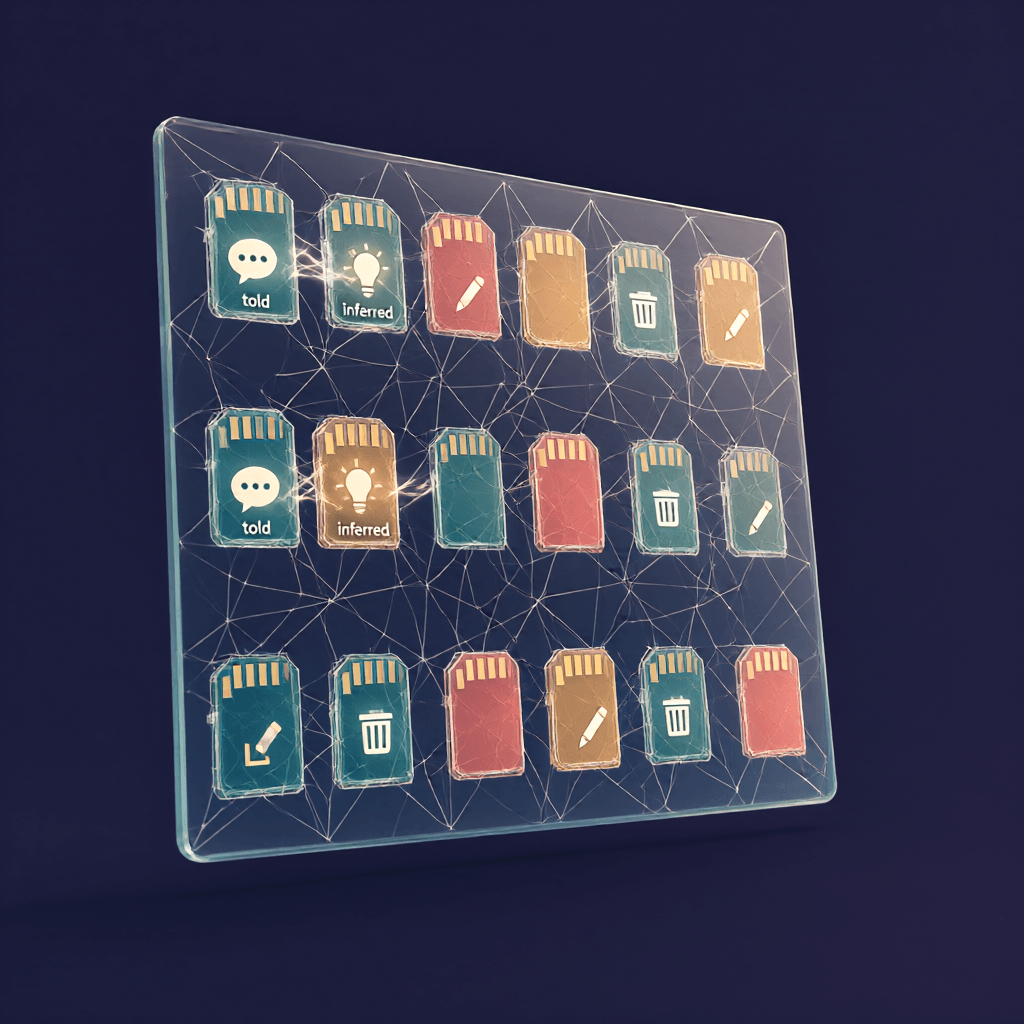
Target: edit or delete ai companion memories
Most AI companion apps now let you view, edit, or delete specific stored memories, but the depth of your control depends entirely on how the app structures and stores that data. If you are searching for ways to correct false assumptions or remove sensitive details you no longer want the AI to know, you need to understand that "deleting a memory" is rarely a simple, universal action; it often requires navigating distinct layers of data storage. Below is a practical breakdown of how memory control works, what specific tools currently offer, and how to test your own companion's transparency before you commit.
What "editing a memory" actually means
To understand what you can and cannot delete, you must first grasp that most AI companions do not store memory as a single, monolithic block of text. Instead, memory usually exists in three distinct layers, and manipulating one layer often does not immediately affect the others.
The first layer is the raw conversation log. This is the literal record of every message you have sent and every response the AI has given. In many standard chat interfaces, this history remains accessible even after specific "memories" are deleted. If you simply delete a note from a memory panel, the raw text of the conversation where you originally mentioned that fact often remains in the archive. Unless the app explicitly wipes the conversation history, the model can still access the original context if the log is retained and sent with future requests.
The second layer is extracted notes or facts. This is where the "memory panel" lives. The system analyzes your chats and pulls out specific data points, such as "User is allergic to peanuts" or "User's partner's name is Sam." These are structured facts that the app deliberately keeps updated. This is the layer you can typically view, edit, or delete directly through a user interface. However, deleting a fact here does not necessarily scrub the raw conversation log (layer one).
The third layer is the short working summary or context window. In real-time generation, the model does not look at the entire history every time. Instead, it often receives a compressed summary of recent interactions and key persistent facts. If you delete a memory from the panel, you need to ensure that the working summary is also refreshed or cleared. In some apps, the deletion only takes effect at the next session or requires you to explicitly clear the current context. If you leave the conversation open, the AI may continue to hold the "forgotten" information in its short-term active context until the chat is reset.
Therefore, "editing a memory" is not just removing a bullet point. It is a multi-step process that may involve deleting the specific fact, scrubbing the conversation log, and clearing the active context window. Be skeptical of any interface that suggests a single "delete" button erases the AI's knowledge instantly and permanently without addressing these overlapping layers.
What Asiden gets right about memory control
Asiden is a Windows 11 desktop companion available as a one-time purchase of approximately $10, with optional cloud features. What distinguishes it in the current market is its explicit transparency regarding how it handles user data. Its Memory screen does not just hide facts in a black box; it lists saved notes that you can directly edit, update, or delete.
More importantly, Asiden separates what you told the companion from what the companion inferred. Each entry includes the date it was noticed. This distinction is critical for trust. If the AI guessed you were stressed based on late-night usage, you can see that inference and correct it. If you told it you are a vegetarian, that is stored as a user-provided fact. This prevents the common frustration of asking, "How do you know that?" and receiving a vague, untraceable answer.
The app also handles sensitive data with caution. Health-related notes remain hidden until you explicitly choose to reveal them to the AI. Past events are automatically moved out of the "still to come" bucket, preventing the AI from repeatedly reminding you about things that already happened. Conversely, important dates like birthdays and anniversaries are kept active in the "upcoming" view. You can also manage these memories conversationally by saying, "Forget X" or "Correct Y," which updates the underlying database without you needing to dig through menus.
Asiden's September 2026 changelog describes this feature set under the heading "What I remember about you." This framing shifts the paradigm from a system log to a shared understanding. You can review the official details on Asiden's site and see a practical user perspective in the Rob's Game Shack review. This level of granular control is rare, as most competitors treat memory as a backend function that users cannot directly audit.
How to check whether your companion really lets you erase memory
If you are considering a subscription to a new AI companion, do not trust the marketing copy that claims "full user control." Instead, perform a 10-minute audit test before you pay. This will tell you if the memory management is superficial or functional.
First, feed the AI an unmistakable false fact. Tell it, "I live in Oslo, Norway," if you actually live in New York. Wait for the response to confirm. Then, navigate to the memory or settings panel. Can you see the specific entry for "Location: Oslo"? If you cannot see it, you cannot verify if it was stored. If you can see it, attempt to edit it to "New York." Save the change.
Second, check whether told-vs-inferred data are separated. Look at a few other entries. Are there tags or labels indicating whether you explicitly stated the fact or the AI guessed it? If everything is a jumble of unattributed notes, you have no way to correct bad inferences.
Third, test the persistence of deletion. After you edit or delete a memory, wait 24 hours. Then, ask an unrelated question that might trigger the old context. For example, if you deleted a memory about being allergic to shellfish, ask, "I'm going to a seafood restaurant, what should I order?" If the AI mentions the allergy, the deletion failed or the context window was not cleared. The memory resurfaced.
Fourth, look for an export or account-deletion path. Does the app let you download your chat history? Is there a clear "Delete Account" button that wipes server-side data? If the only way to erase data is to delete your account entirely, you lose the ability to keep other useful memories. A robust system allows selective deletion without destroying the entire user profile.
Frame these as non-negotiable questions to ask before subscribing. If the app cannot show you the specific stored fact, you do not have control; you have faith.
The honest limits
It is vital to understand what memory editing cannot do. This is not a magic eraser that guarantees total privacy or psychological safety.
Deleting a note from the memory panel is not the same as removing it from the conversation archive. If the app retains your raw chat logs for customer support or analytics, that false fact or sensitive detail still exists on their servers. You have removed it from the active context the model uses for generation, but the data persists in the backend. Always check the privacy policy to see how long raw logs are retained.
Furthermore, inferences can regenerate from remaining context. If you delete a note saying "User is anxious," but you continue to chat about stress and sleeplessness, the AI will likely infer anxiety again based on the new conversation data. You are not deleting the concept; you are deleting the specific tag. The underlying behavioral patterns remain visible to the model.
There is also no industry standard for "forget." In machine learning, "machine unlearning" is a complex, imperfect process. Most consumer apps do not retrain their base models; they simply filter out specific tokens or blocks from the context window sent to the model. This means the "forgotten" information is not gone from the model's weights; it is just hidden from the immediate conversation. If the context window resets or changes, there is a risk of leakage if the underlying data wasn't scrubbed from the logs.
Finally, a memory panel is not a privacy guarantee, nor is it a substitute for therapy. Having the ability to delete a memory does not mean the app is safe for vulnerable users. It does not solve the issue of emotional dependence on an AI companion. If you are using a companion to cope with loneliness or trauma, deleting a memory will not address the root cause. It will only remove a data point. Be candid with yourself about the difference between data hygiene and emotional well-being.
Where SoulChat fits
SoulChat is building a different approach to continuity. Rather than treating memory as a database of facts to be scrubbed, it focuses on creating a relationship that feels continuous through inspectable memory, proactive messages, and voice integration. The goal is not just to store data, but to let you see and correct the narrative the AI is constructing about your relationship.
By allowing you to inspect these memories, SoulChat aims to reduce the "black box" feeling that often erodes trust in long-term companions. When you can see why the AI mentioned a specific detail, you can correct the context without losing the flow of the relationship. This is particularly relevant for users who engage with specific AI companion roles or deep-dive characters, where maintaining a consistent persona over weeks or months is crucial. The memory system supports the roleplay continuity while keeping the user in the driver's seat of the factual accuracy.
Bottom Line
Memory control is becoming a real buying criterion, just like pricing or voice quality. Before you subscribe to any service, ask these four questions: Can I see the specific facts stored about me? Are inferences separated from direct statements? Does deleting a fact scrub the raw conversation log? Is there a clear path to export or delete all data? If the answer to any of these is "no," you are not just paying for a chatbot; you are paying for a lack of oversight. Demand the tools to edit what the AI remembers, because what it remembers shapes how it interacts with you.
edit ai companion memoriesdelete ai companion memoriesai memory controlai companion privacylong-term memory